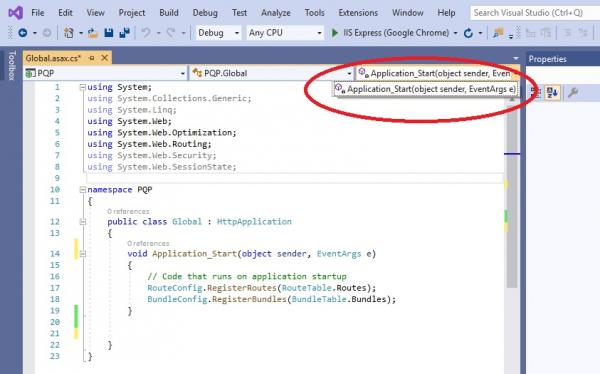
You can't use those drop-downs to create event handlers in C# but the code editor will still help you. I just tested this in a WinForms application project but it should work anywhere. Enter the type/reference and event name into your code and then enter += and the IDE should prompt you to add an event handler. In my test, I was adding a Click event handler for button2 so I entered button2.Click+= and was here:
csharp Code:
private void Form1_Load(object sender, EventArgs e)
{
button2.Click+=
}
I then hit Tab as prompted and got this:
csharp Code:
private void Form1_Load(object sender, EventArgs e)
{
button2.Click += Button2_Click;
}
private void Button2_Click(object sender, EventArgs e)
{
throw new NotImplementedException();
}
It uses code snippet functionality so the name of the new method is highlighted and you can just start typing to change the name in both locations. When you're happy with the name, hit Enter and you're good to go.




 Reply With Quote
