|

-
Apr 14th, 2011, 04:45 PM
#11
Re: More graphics timing issues
Might I ask, how large are the largest map images you're trying to use with this?
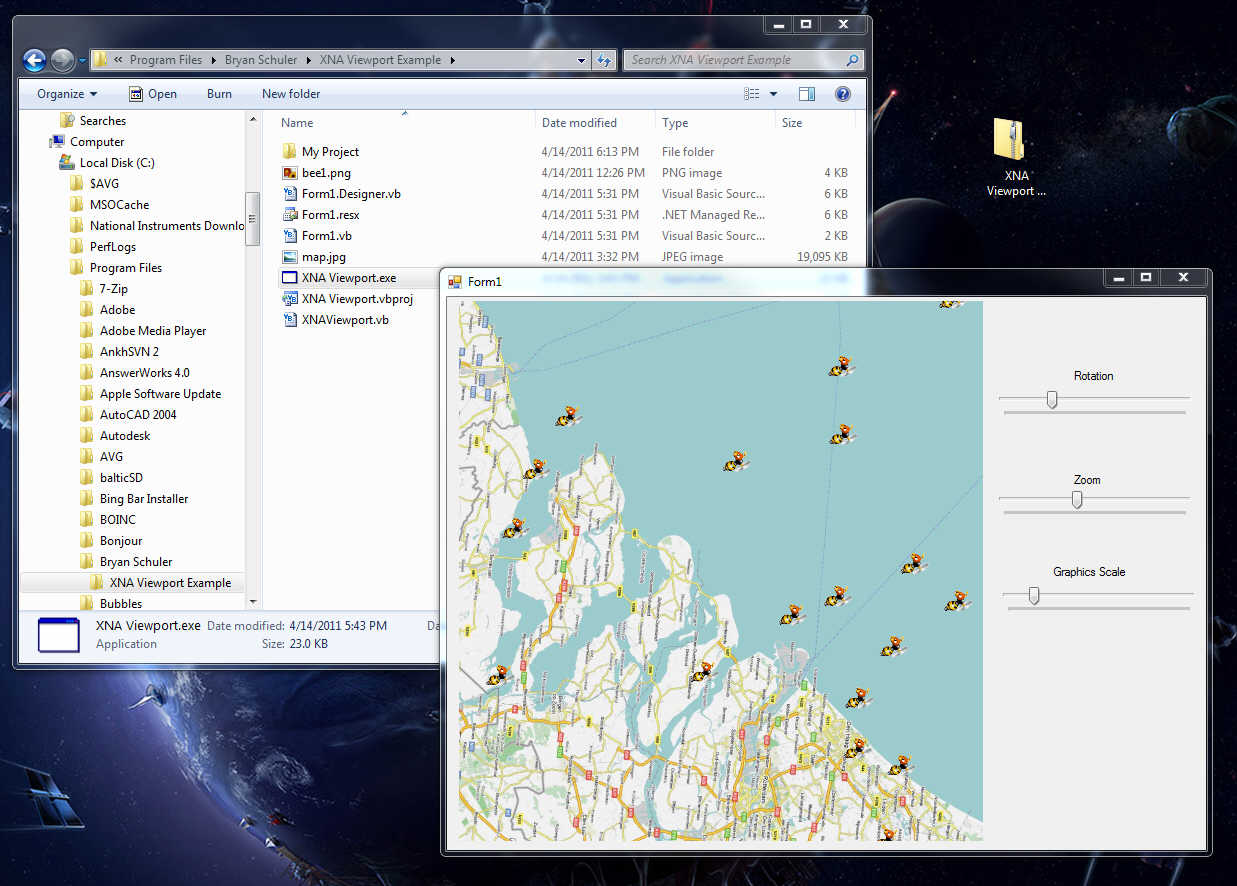
EDIT: I uploaded a complete example of the XNA Viewport here. It's a large file and I apologize because it's an installer and contains the XNA 3.1 Runtime (7.5MB) and a 10000x10000 pixel JPG map of Europe (19MB) that I randomly found online. I did this for ease of examination because installing XNA can sometimes be a royal pain in the rear and I used such a massive graphic to demonstrate the speed and power of the XNA Framework. This way, anyone interested in it can install it in one quick operation and check it out.
Source code is included, as well as a binary.
When you run the example project, it'll load the massive map and then populate it with 1000 little "bee" icons in random positions all over Europe.
Three sliders allow you to rotate everything, zoom everything, and scale the bee icons. You can also click and drag around the map in the viewport. Everything is in realtime.... granted, you need at least a halfway decent graphics system to use it... something at the very least that can run Windows Vista's/7's Aero effects.
Example was programmed in VB.NET 2008 and XNA 3.1. About the ugliest part of the programming is the trigonometry used in the rotation/translation/zoom code. I removed the render operation from OnPaint and instead I dropped in a Timer with an interval set to 60hz. Using a quick Monitor to prevent thread-clash, the Viewport now behaves like a game-quality window.
Last edited by Jenner; Apr 14th, 2011 at 05:20 PM.
 Posting Permissions
- You may not post new threads
- You may not post replies
- You may not post attachments
- You may not edit your posts
-
Forum Rules
|
Click Here to Expand Forum to Full Width
|



 the people who helped you and mark your forum RESOLVED when you're done!

 Reply With Quote