|

-
Jun 14th, 2006, 04:23 PM
#1
Thread Starter
New Member

-
Jun 15th, 2006, 12:21 AM
#2
Thread Starter
New Member
Create Your Local Server Now (No Apache After Now):Port 80 (HTML)
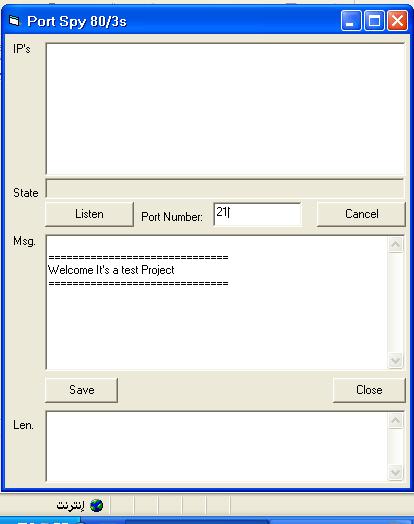
For Port 80 (IE HTML Port) Change The Port Number to 80
Type In Msg. Box The Header of Connection: {
HTTP/1.1 200 OK
Server: Port Spy 80/3s (PS80/3s)
Accept-Ranges: bytes
Content-Length: %VVV%
Keep-Alive: timeout=15, max=100
Connection: Keep-Alive
Content-Type: text/html
}
You must keep the last line in the header empty
Now:
You want to write your HTML Code to show it on IE
Write it after header but remember to change %VVV% to your HTML Code Length ( To Get Length: Copy HTML Code To Len. Box and do -Lost Focus Event- MsgBox will show Length
For Example:
Print in Msg. Box the following :-
HTTP/1.1 200 OK
Server: Port Spy 80/3s (PS80/3s)
Accept-Ranges: bytes
Content-Length: 527
Keep-Alive: timeout=15, max=100
Connection: Keep-Alive
Content-Type: text/html
HTML Code:
<html dir="rtl">
<head>
<meta http-equiv="Content-Language" content="en-us">
<meta http-equiv="Content-Type" content="text/html; charset=windows-1252">
<title>PS 80/3s Test Page</title>
</head>
<body>
<p dir="ltr"><b><font size="5">Love VBForums = Winner</font></b></p>
<p dir="ltr"><b><font size="5">Hate VBForums = Loser</font></b></p>
<p dir="ltr"> </p>
<p dir="ltr"><font size="5"><b>Best Wishes,</b></font></p>
<p dir="ltr"><font size="5"><b>Port Spy 80/3s SERVER</b></font></p>
</body>
</html>
Now Close any local server that used Port 80 Like Apache , IIS , ect...
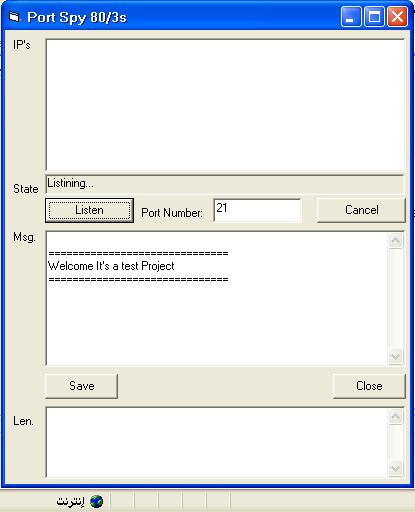
Change Port Number to 80
Click 'Listen'
go to IE browes and Point to your IP address you will see the HTML Code that you printed after header in Msg. Box
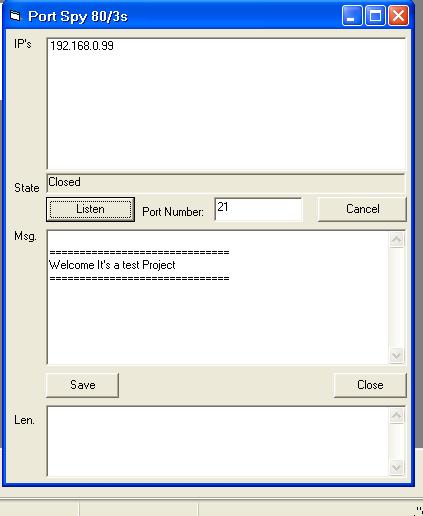
goto program you will see your address ( IP's List is to show all IPs Address that reached your computer While Program was running )
 Posting Permissions
- You may not post new threads
- You may not post replies
- You may not post attachments
- You may not edit your posts
-
Forum Rules
|
Click Here to Expand Forum to Full Width
|



 Create Your Local Server Now (No Apache After Now)

 Reply With Quote