|
-
Aug 6th, 2018, 08:07 AM
#1
Thread Starter
Addicted Member


How to filter out rows in a certain column by number of characters?
For safety I colored the rows in my picture, but you can call the columns whatever you like:
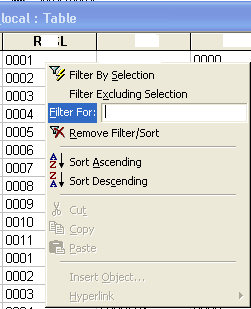
It happens that we import data into the Access table from Excel and some of the columns which should be formatted with 4 character places, contain only data in 3 places.
Without scrolling to the bottom of the table, how can I filter out rows in a certain column which contain less or more characters then the needed number of characters?
In this case rows with 3 chars, and it should be with 4.
Tags for this Thread
 Posting Permissions
- You may not post new threads
- You may not post replies
- You may not post attachments
- You may not edit your posts
-
Forum Rules
|
Click Here to Expand Forum to Full Width
|



 Reply With Quote